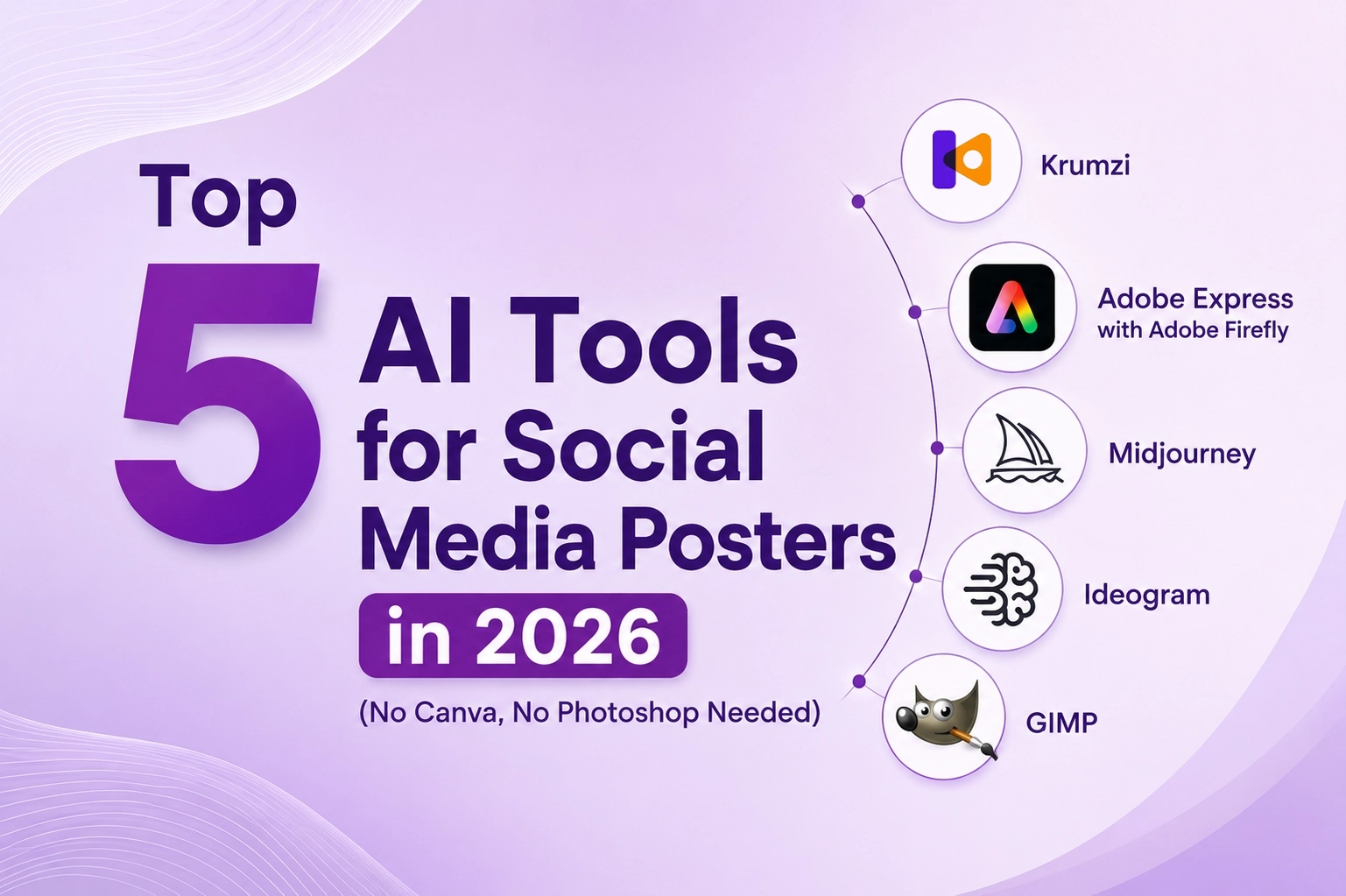
You don’t need Canva templates or Photoshop skills to create scroll-stopping social media posters anymore. A new generation of AI design tools can take you from idea to finished poster in minutes. At VoilaWex, we create social media creatives daily for clients across Kerala, Chennai and Bangalore — here are five tools we recommend, with an honest look at how each works, who it suits, where it falls short, and what it costs.
1. Krumzi — Best for AI-First, Chat-Based Professional Posters
How it works: Krumzi works like a conversation with a designer. Describe your poster — the event, product, mood or message — and the AI generates an original layout with proper visual hierarchy, typography, colours and composition in under 60 seconds. Everything remains fully editable afterwards, so a typical poster is finished in 5 to 15 minutes.
Ideal for: Social media marketers who need visuals fast, and small businesses without a designer.
Advantages: Genuine design generation (not template-swapping), full post-generation editability, automatic brand kit application, and high-resolution downloads ready for print or social.
Areas of improvement: A newer platform with a smaller template ecosystem and community than Canva-class tools, and a credit-based system that heavy users will need to budget around. Note that most published rankings placing it first come from its own blog.
Pricing: Free start with around 50 AI credits (roughly 10 designs) and a 7-day free trial; Starter at $9/month; Pro at $29/month; Ultra at $59/month for high-volume design work.
2. Adobe Express with Adobe Firefly — Best for Polished, Professional Content
How it works: Adobe Express is a free online graphic editor with Adobe Firefly AI built in. Type a prompt — “burger in photo style”, for example — and Firefly generates custom imagery you can drop into social graphics, flyers, posters, logos, labels, invitations and business cards.
Ideal for: Anyone scaling a side hustle or business who wants Adobe-grade polish without Adobe-grade complexity.
Advantages: Commercially safe AI (Firefly is trained on licensed content, so outputs are safe for client work), watermark-free downloads, Adobe Stock assets, and seamless upgrade paths into Photoshop.
Areas of improvement: Premium AI features run on generative credits that can run out mid-month, and the credit system across Express and Firefly tiers takes some decoding.
Pricing: Free plan with basic tools and limited AI credits; Express Premium at $9.99/month; Adobe Firefly Pro at $19.99/month, which bundles Express Premium, 4,000 AI credits, and Photoshop on web and mobile.
3. Midjourney — Best AI Image Generation Foundation
How it works: Midjourney generates premium, artistic images from text prompts via its website or Discord. It doesn’t make finished posters with text — instead, professionals use it to create stunning base imagery, then add headlines and branding in another tool.
Ideal for: Creators and agencies who want the most visually striking AI imagery as the foundation of their posters.
Advantages: Widely regarded as the benchmark for artistic quality and cinematic style; the latest version adds HD 2K output and improved prompt accuracy.
Areas of improvement: No free tier at all, weak text rendering inside images (you’ll add text elsewhere), GPU-hour limits that don’t roll over, and a workflow that takes getting used to.
Pricing: Basic at $10/month; Standard at $30/month (unlimited relaxed generations); Pro at $60/month; Mega at $120/month. Annual billing saves about 20%.
4. Ideogram — Best for AI Images with Text Integration
How it works: Like Midjourney, Ideogram generates images from prompts — but its standout skill is rendering readable, well-designed text inside the image itself. Describe a poster with a headline and it produces imagery and typography together.
Ideal for: Posters and promos where text and imagery must work as one — event posters, sale announcements, quote graphics.
Advantages: Independent testing puts its text-rendering accuracy near 90%, far ahead of most generators; character reference keeps brand mascots consistent; roughly half the price of comparable Midjourney tiers.
Areas of improvement: Pure photorealism still trails Midjourney, and the free tier’s weekly credits are limited.
Pricing: Free plan with limited weekly credits; Plus at around $20/month ($15/month on annual billing); Pro at around $60/month ($42–48/month annual).
5. GIMP — Best Free Photoshop Replacement
How it works: GIMP is a completely free, open-source image editor for manual editing — layers, masks, colour correction, retouching — that famously “runs on a potato” (minimal hardware).
Ideal for: Budget-conscious users and anyone wanting full manual control without subscriptions.
Advantages: Genuinely free forever, no watermarks, no credits, powerful professional-grade editing, and a huge plugin community.
Areas of improvement: No AI generation built in, a dated interface, and a real learning curve — expect to invest time before you’re fast.
Pricing: Completely free and open source. No subscriptions, no paid tiers.
Sources
Pricing and feature details verified in June 2026 from: krumzi.com/pricing and Krumzi’s published comparisons; Adobe’s official Express and Firefly pricing pages plus independent breakdowns (ToolColumn, SaaS CRM Review); Midjourney pricing analyses verified against midjourney.com (TechSifted, Coda One, eesel AI); Ideogram pricing reviews (eesel AI); and gimp.org. Prices vary by region, billing cycle and promotions — always confirm on the official websites before subscribing.
Final Word from VoilaWex
Pick by workflow: Krumzi for chat-to-poster speed, Adobe Express for polished commercial-safe design, Midjourney for premium base imagery, Ideogram for text-plus-image posters, and GIMP for free manual editing. Whichever you choose, VOILAWEX always ensures Clarity, Transparency, and Accuracy in business, services, and information — including every fact and price in this article.