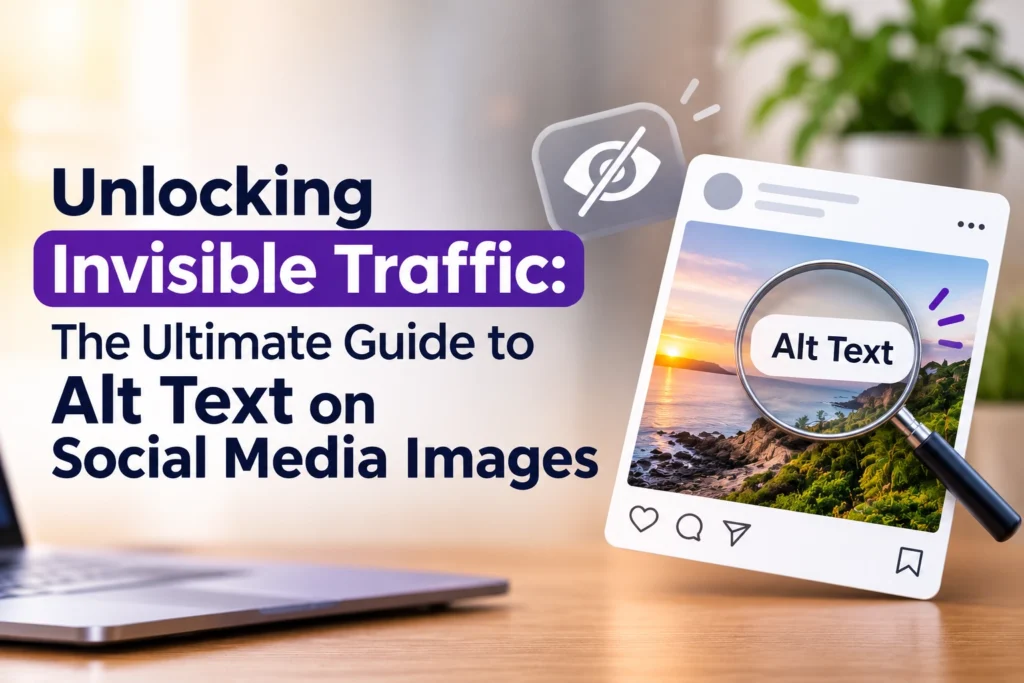
In today’s visual-heavy digital marketplace, images do most of the talking on social media. From eye-catching product showcases to infographics and lifestyle imagery, visual content dominates feeds across platforms like Instagram, LinkedIn, X (formerly Twitter), and Facebook. Alt text for social media images plays an important role in making this visual content accessible and easier to understand.
However, every graphic has a hidden layer many brands miss: Alt Text (Alternative Text).
At VOILAWEX, a leading digital marketing agency for businesses in Kerala, we emphasise that true digital marketing success relies on both visible aesthetics and invisible optimisation. Adding alternative text to your social media management strategy is no longer optional—it’s essential for accessibility, search visibility, and audience engagement.
What is Alt Text for Social Media?
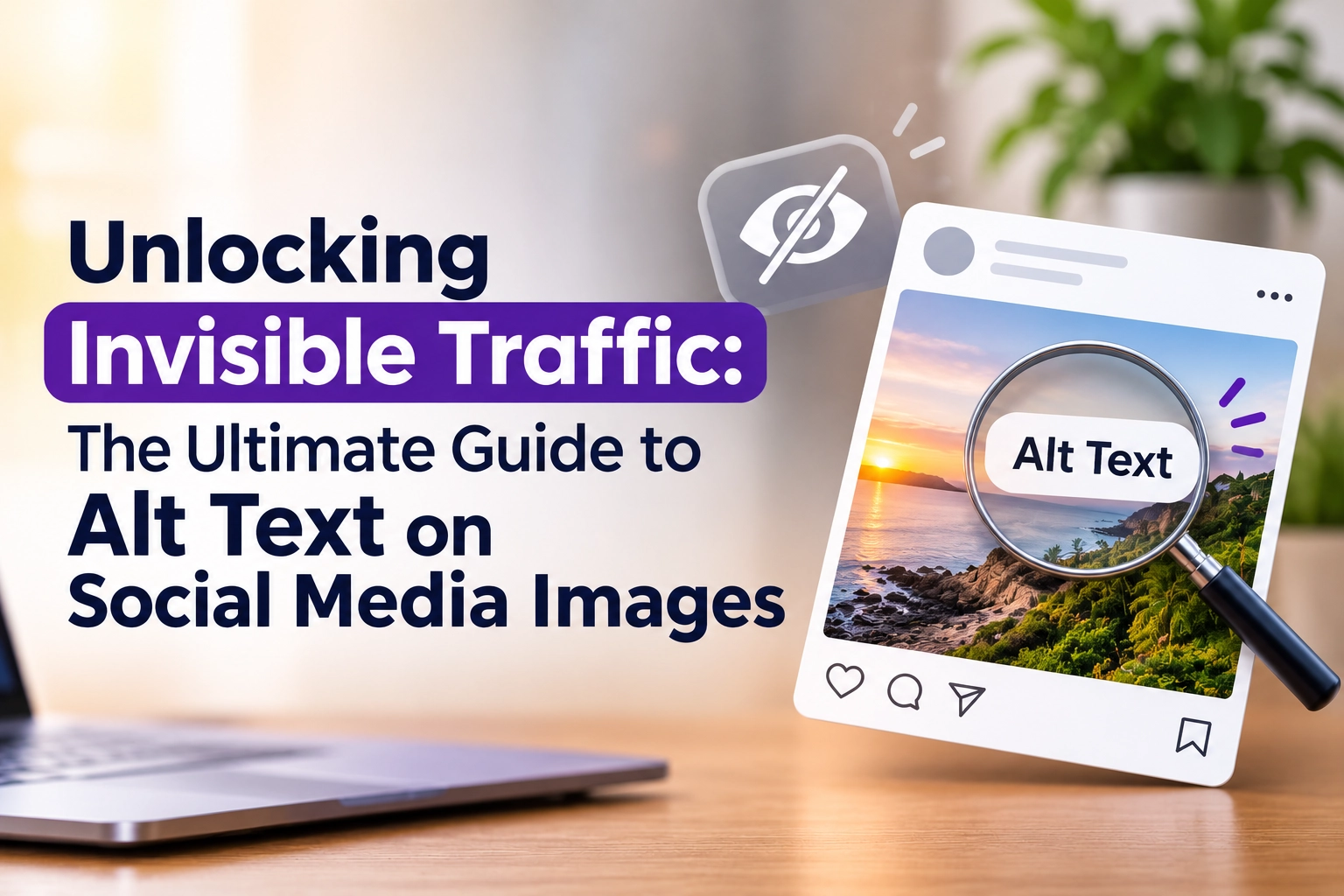
Alt text, short for alternative text, is a brief written description added to an image on a webpage or social media post. It helps users and assistive technologies understand the visual content, making alt text for social media an important part of accessible digital publishing.
Originally created for visual accessibility, alt text serves two primary purposes:
- Assistive Technology: Screen readers read the alt text aloud to visually impaired or blind users, helping them understand what the image conveys.
- Fallback Text: If an image fails to load due to poor internet connectivity, the alt text displays in place of the image, ensuring the context remains intact.
While alt text was once confined to web development, social media platforms have integrated alt text features into their publishing tools, making image description a essential step in digital publishing.
Why is Alt Text for Social Media an Absolute Requirement?
Ignoring alt text means missing out on potential audience reach and search indexing benefits. Adding alt text is essential for modern brands for several key reasons:
- Digital Inclusion & Accessibility: Globally, over 2.2 billion people live with vision impairment. Alt text ensures your brand’s content is accessible to everyone, including users who rely on screen readers.
- Enhanced Social Media SEO: Modern social algorithms utilize natural language processing (NLP) and computer vision to classify content. Alt text provides context directly to algorithms, helping your posts rank higher in platform search bars and Google Image results.
- Improved Contextual Understanding: Algorithms are smart, but they can misinterpret text embedded in graphics or nuanced visual elements. Alt text provides clear, explicit context to search indexers.
Key Benefits of Using Alt Text
Implementing alt text for social media images across your visual channels offers tangible business advantages:
- Expanded Audience Reach: Making content accessible opens your brand to a broader, more inclusive demographic.
- Higher Engagement Rates: When more users understand and discover your content via search, engagement metrics—such as likes, comments, and shares—naturally increase.
- Boosted Organic Search Traffic: Search engines like Google index social media images. Descriptive, keyword-optimized alt text improves your odds of appearing in web search results.
- Strengthened Brand Reputation: Demonstrating a commitment to web accessibility reinforces your company’s social responsibility and brand values.
Is Alt Text Required by Social Media Policy & Compliance Standards?
While major platforms (such as Meta, LinkedIn, X, and Pinterest) do not strictly block posts that lack alt text, accessibility standards around the world are becoming stricter:
Web Content Accessibility Guidelines (WCAG): WCAG 2.1 guidelines state that all non-text content must have a text alternative.
- Legal and Regulatory Frameworks: Laws such as the Americans with Disabilities Act (ADA) in the US and the Rights of Persons with Disabilities Act in India encourage or mandate equal digital access.
- Platform Automatic AI Fallbacks: If you leave alt text blank, platforms like Facebook and Instagram auto-generate visual descriptions using object-recognition AI. However, these automated descriptions (e.g., “May be an image of text and 1 person”) are often generic and unhelpful for marketing goals.
Adding manual, carefully crafted alt text ensures compliance with international accessibility standards while retaining full control over your brand voice.
Best Practices for Using Alt Text
To write effective alt text for social media that balances accessibility with SEO, follow these core principles:
- Be Concise and Specific: Describe the visual elements accurately without unnecessary padding. Focus on the core message, main subjects, and color/mood when relevant.
- Skip Redundant Phrases: Avoid starting with “Image of…” or “Picture of…”. Screen readers automatically declare it as an image.
- Include Text Rendered in Images: If your image features promotional copy, event details, or a quote, transcribe that text within the alt text.
- Incorporate Keywords Naturally: Add relevant business or topic keywords organically. Avoid keyword stuffing, as search engines and screen readers flag repetitive keyword dumps as spam.
- Differentiate Alt Text from Captions: Captions add context or commentary to a post; alt text explicitly describes the visual content itself.
Recommended Alt Text Length Across Platforms
Keeping within recommended character counts ensures your descriptions are fully read by screen readers without truncating:
| Platform / Medium | Recommended Character Limit | Notes & Tips |
|---|---|---|
| Up to 1200 characters | Focus on detailing charts, infographics, and corporate graphics. | |
| X (Twitter) | Up to 1000 characters | Utilize the generous limit to explain complex visuals clearly. |
| Up to 500 characters | Keep descriptions concise, informative, and engaging. | |
| Up to 100 characters recommended | Keeps descriptions punchy for mobile screen readers. | |
| Websites (HTML) | 125 characters or fewer | Popular screen readers often stop reading alt text past 125 characters. |
Step-by-Step Guide: How to Add Alt Text for Social Media Images
1. Instagram
- Create a new post and select your photo.
- Filter/edit your image and tap Next.
- Scroll down to the bottom of the sharing screen and select Advanced Settings.
- Tap Write Alt Text under the Accessibility section.
- Enter your description and tap Done.
2. LinkedIn
- Click Start a post and upload your image.
- Look for the Alt text button (or pencil icon) located on the image preview.
- Type your detailed image description into the text field.
- Click Save, complete your caption, and publish.
3. X (Twitter)
- Draft a post and attach an image.
- Click on the Edit (pencil icon) or +ALT badge on the image thumbnail.
- Navigate to the Description tab and type your alt text.
- Click Save and post your tweet.
4. Facebook
- Upload an image to your post.
- Hover over the image preview and click Edit (or the options menu).
- Select Custom Alt Text.
- Override the auto-generated text with your tailored description and click Save.
Partner with VOILAWEX to Elevate Your Digital Strategy
Optimizing every detail of your online presence—from visual design to technical SEO and alt text accessibility—drives consistent organic growth. At VOILAWEX, we help businesses across India and globally craft comprehensive, accessible, and high-performing social media and digital marketing strategies through our social media management services in Kerala.
As a social media marketing agency in Kochi, VOILAWEX also supports businesses looking for SEO-friendly content creation services in Kochi and professional content marketing agency in Kochi, Kerala expertise.
Ready to transform your brand’s digital presence? Get in touch with our team today!
- Website: www.voilawex.com
- Services: Social Media Marketing, SEO, Content Creation, Branding, and Web Development
- Location: Kerala, India