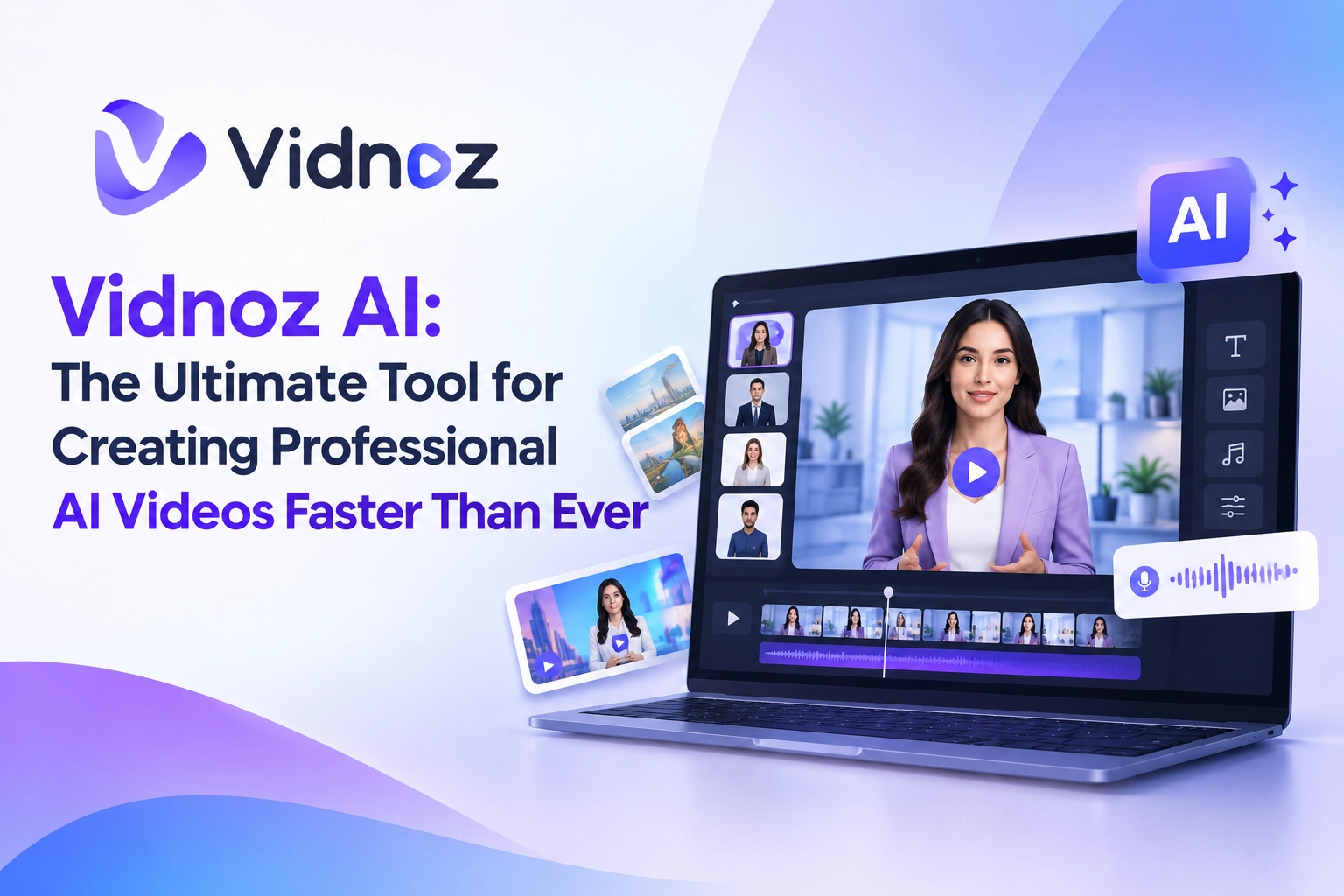
In today’s digital landscape, video content reigns supreme. Whether you’re a marketer aiming to boost engagement, an educator crafting interactive lessons, or a business leader streamlining training, producing high-quality videos quickly and affordably is essential. Enter Vidnoz AI (https://www.vidnoz.com/), a powerful all-in-one free AI video generator that transforms text, images, and ideas into polished, professional videos in minutes—no cameras, actors, studios, or advanced editing skills required.
1. What Is Vidnoz AI For?
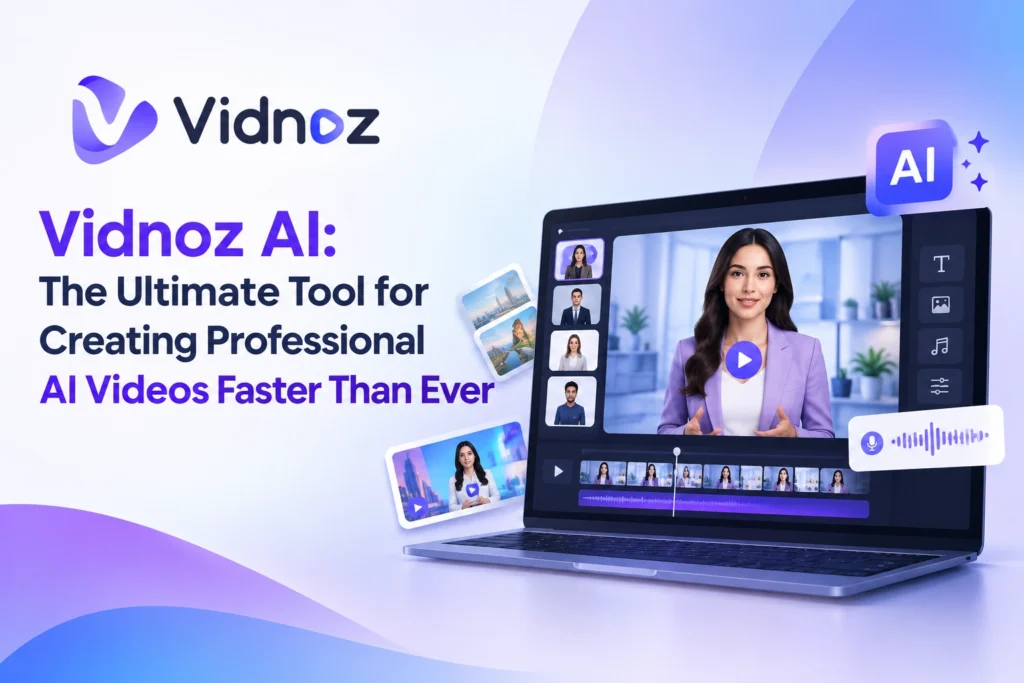
Vidnoz AI is an online platform designed to create engaging AI-powered videos 10x faster. It specializes in generating realistic talking-head videos featuring AI avatars that speak natural-sounding voiceovers with perfect lip-sync. Ideal for explainer videos, e-learning modules, sales pitches, marketing campaigns, training materials, and customer service content, it helps teams and individuals produce studio-quality results while dramatically reducing costs and time. Users from universities, businesses, and content creators rely on it to increase ROI, enhance engagement, and scale video production efficiently.
2. What Are Its Key Features?
Vidnoz stands out with an impressive suite of AI tools:
- 1,900+ realistic AI avatars (including expressive ones with natural body language, gestures, and facial expressions) that you can customize or create as digital twins from photos or videos.
- 2,000+ realistic AI voices across 140+ languages, plus high-quality voice cloning for a personal touch.
- 2,800+ (or more) ready-to-use video templates for sales, marketing, education, news-style content, onboarding, and more.
- Text-to-video and prompt-to-video generation, image-to-video conversion, and one-click video translation with accurate lip-sync.
- Additional tools like AI script generation, background removal, auto captions, media library (millions of assets), brand kits, SCORM export for LMS platforms, and seamless sharing/embedding options.
- Security features including ISO/IEC 27001:2022 compliance for peace of mind.
Here’s a quick overview of standout capabilities:
| Feature Category | Highlights |
|---|---|
| Avatars | 1,900+ options + custom digital twins |
| Voices & Languages | 2,000+ voices in 140+ languages + cloning |
| Templates | 2,800+ professional designs |
| Generation | Text/image/prompt-to-video + translation |
| Output & Sharing | Up to 1080p, no watermark (paid), SCORM, embeds |
3. How Easy Is It to Operate?
Vidnoz prioritizes simplicity with a clean, intuitive interface that feels approachable even for complete beginners. The creation process follows four straightforward steps:
- Choose a template or avatar (or start from scratch).
- Enter your script and select an AI voice (or clone your own).
- Personalize with music, effects, transitions, backgrounds, and branding.
- Click Generate, then download or share your video.
No software downloads are needed—everything runs in the browser. Testimonials highlight how non-specialists, including educators and seniors, find it convenient and supportive, with fast help available when needed. The platform’s design lets users focus on creativity rather than technical hurdles.
4. How Can It Take AI Video-Making to the Next Level?
Vidnoz elevates AI video creation by combining speed, scale, and realism. Traditional production often requires expensive equipment, talent, and lengthy editing. Vidnoz delivers studio-level results in minutes, enabling batch production of localized content across languages without rewriting scripts or re-recording.
Key advantages include expressive avatars that convey natural emotion and gestures, precise lip-sync, and seamless multilingual translation. Businesses report average monthly savings of around $10,000, engagement increases of +52%, conversion rates up to 74%, and the ability to seize market opportunities up to +200% faster through rapid content output. Features like voice cloning and custom avatars help build authentic brand connections at scale, while tools for e-learning (SCORM) and team collaboration make it enterprise-ready.
5. What Are the Subscription and Pricing Details?
Vidnoz operates on a generous freemium model. The Free plan ($0) provides daily credits (often highlighted as 60 free credits every day in promotions), access to 1,800+ avatars, 3,200+ templates, hundreds of voices, 720p exports, and a maximum of about 3 minutes per video—perfect for testing and light use, with no credit card required.
Paid plans (Starter, Business, and Enterprise) unlock higher limits, faster processing, 1080p exports, no watermarks, more characters per scene, emotional voices, SCORM export, voice cloning, brand kits, team collaboration, video translation, analytics, and priority support. Credits-based pricing typically starts with options around 15–30 credits/month for paid tiers (with annual billing offering ~25% savings). Enterprise plans are custom. Exact current pricing is best checked on the official page, as plans are flexible and often include first-month discounts.
6. How Can I Start Using It?
Getting started is effortless:
- Visit https://www.vidnoz.com/ and click to create a free account (no credit card needed).
- Explore the dashboard and select an avatar or template.
- Input your text or upload content, choose a voice, and customize.
- Generate your first video and download or share it.
Promotions frequently offer free daily credits, and the platform includes helpful guides and responsive support to get you creating immediately.
7. Where All Can I Use This?
Vidnoz shines across multiple scenarios:
- Marketing & Sales — Product explainers, lead-nurturing videos, ads, and conversion-focused content.
- Education & E-Learning — Interactive lessons, training modules, and LMS-ready SCORM videos.
- Corporate Training & Onboarding — Engaging internal communications and staff development.
- Customer Service — Support videos and FAQs that feel personal.
- Content Creation & Social Media — YouTube, TikTok, LinkedIn, and multilingual global campaigns.
- Business Presentations — Pitch decks, news-style updates, and brand storytelling.
Universities, enterprises, and individual creators worldwide already use it successfully for these purposes.
In summary, Vidnoz AI democratizes professional video production. With its vast library of avatars and voices, intuitive workflow, multilingual capabilities, and flexible pricing, it empowers anyone to produce high-impact videos faster and more affordably than traditional methods. Whether you’re just starting or scaling enterprise content, Vidnoz takes AI video-making to exciting new heights—start creating your free video today at https://www.vidnoz.com/.
Sources & References
- Official Vidnoz website: https://www.vidnoz.com/
- Vidnoz Pricing page: https://www.vidnoz.com/pricing.html
- Additional insights drawn from platform overviews and feature descriptions on Vidnoz.com and related public pages..